Short version: PlushMation and PlushMe solve different problems. PlushMation takes a photo of a toy you already own and turns that toy into a dancing video; PlushMe takes any photo and generates a brand-new, AI-invented doll/plush-style image — not your toy, and not a video — and it requires an active subscription before you can use any part of the app. If you want to see your own plushie move, you want PlushMation.
Animate the toy you actually own — free on iOSFree to download · iPhone & iPadGet the App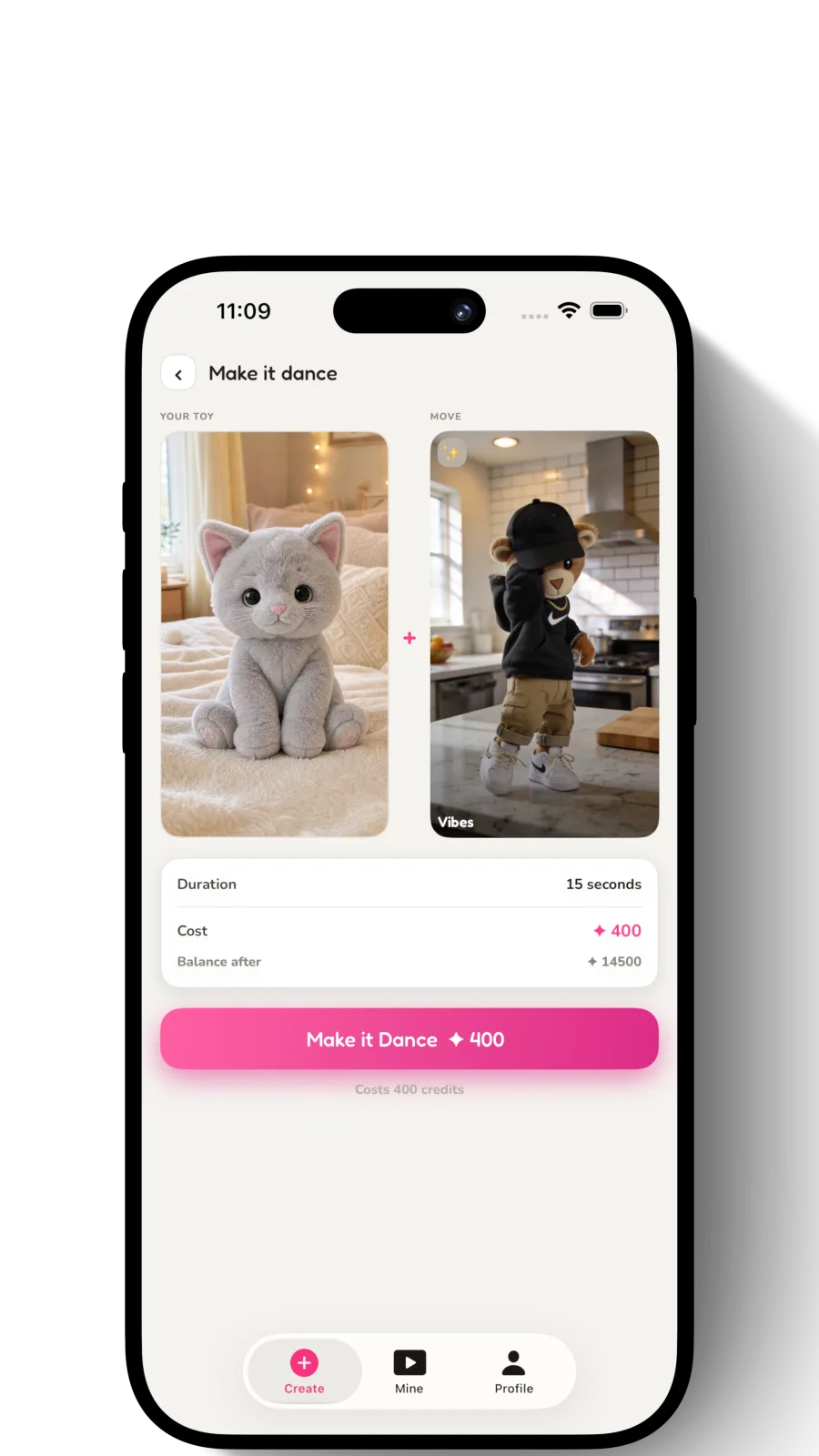
Try a video before you pay
Pick your toy, pick a move, generate. Welcome credits let you make one free. PlushMe locks upload, generation, and downloads behind a subscription before you can create anything at all.
PlushMation vs PlushMe at a glance
PlushMe – AI Doll Maker (App Store, developer Fatma Ergene, listed under Graphics & Design) turns a selfie or photo into an AI-generated plush/doll-style character image. Per its App Store description, the app "requires a subscription to function" — without one, photo upload, plush generation, and downloads are all locked, and no free trial is offered. Listed plans are Weekly ($9.99), Monthly ($24.99), and Yearly ($79.99). As of this writing it's new enough that the App Store shows no star rating yet ("hasn't received enough ratings or reviews to display an overview").
| App | Animates your real toy? | Output | Subscription | Free tier | Best for |
|---|---|---|---|---|---|
| PlushMation | Yes — the exact toy in your photo, moving | Short dance/motion video | No — one-time credit packs only | Free download + welcome credits to start | Turning a toy you own into a shareable dance video |
| PlushMe (AI Doll Maker) | No — generates a new AI doll/plush-style character, not your toy | Static image only, no video | Yes — required for any use (Weekly $9.99, Monthly $24.99, Yearly $79.99) | None — upload, generation, and downloads are all locked behind the subscription | Generating a new AI doll/plush-style picture from a selfie or photo |
PlushMe and PlushMation aren't really competing for the same job. One turns any photo into a new AI doll-style picture, gated entirely behind a subscription; the other turns a toy you own into a moving video of that exact toy, starting free. Worth knowing before you download either.
When to choose PlushMation
- You want a video, not a still image — something you can post to TikTok, Reels, or Shorts.
- You want the animation to be of the actual toy you own — a specific Squishmallow, Labubu, or stuffed animal, with its real shape, colors, and worn-in personality intact.
- You'd rather pay only for what you use (one-time credit packs) than commit to a recurring subscription.
- You want to try it without paying anything first — welcome credits let you generate a video before spending a cent. See how PlushMation's pricing works for the specifics.
When to choose PlushMe
- You want a new AI-generated doll or plush-style picture from a selfie or photo — not a video, and not necessarily a toy you own.
- You're fine with the output being an AI-invented character rather than a specific plushie.
- You're comfortable subscribing before you generate anything, since PlushMe offers no free use and no free trial.
The core distinction
Everything above comes down to two questions: is the output your toy, or a new one — and do you have to pay before you find out if you like it? PlushMation is a real-toy animator that keeps the specific plushie you photographed and puts it in motion, and it lets you try a video for free before spending anything. PlushMe is a style-transfer image tool that invents a brand-new doll/plush-style character from your photo, and it requires an active subscription before you can even upload a picture. Neither is "better" in the abstract; they're built for different requests. If you're still comparing your options more broadly, our roundup of the best toy animation apps covers more of the category.
Bring your own toy to life — free on iOSFree to download · iPhone & iPadGet the App