If you've searched for an app to make your toys come to life, you've found it. PlushMation takes a single photo of a toy you already own and turns it into a short video where that toy moves, dances, and performs — no editing skills, no green screen, just your phone.
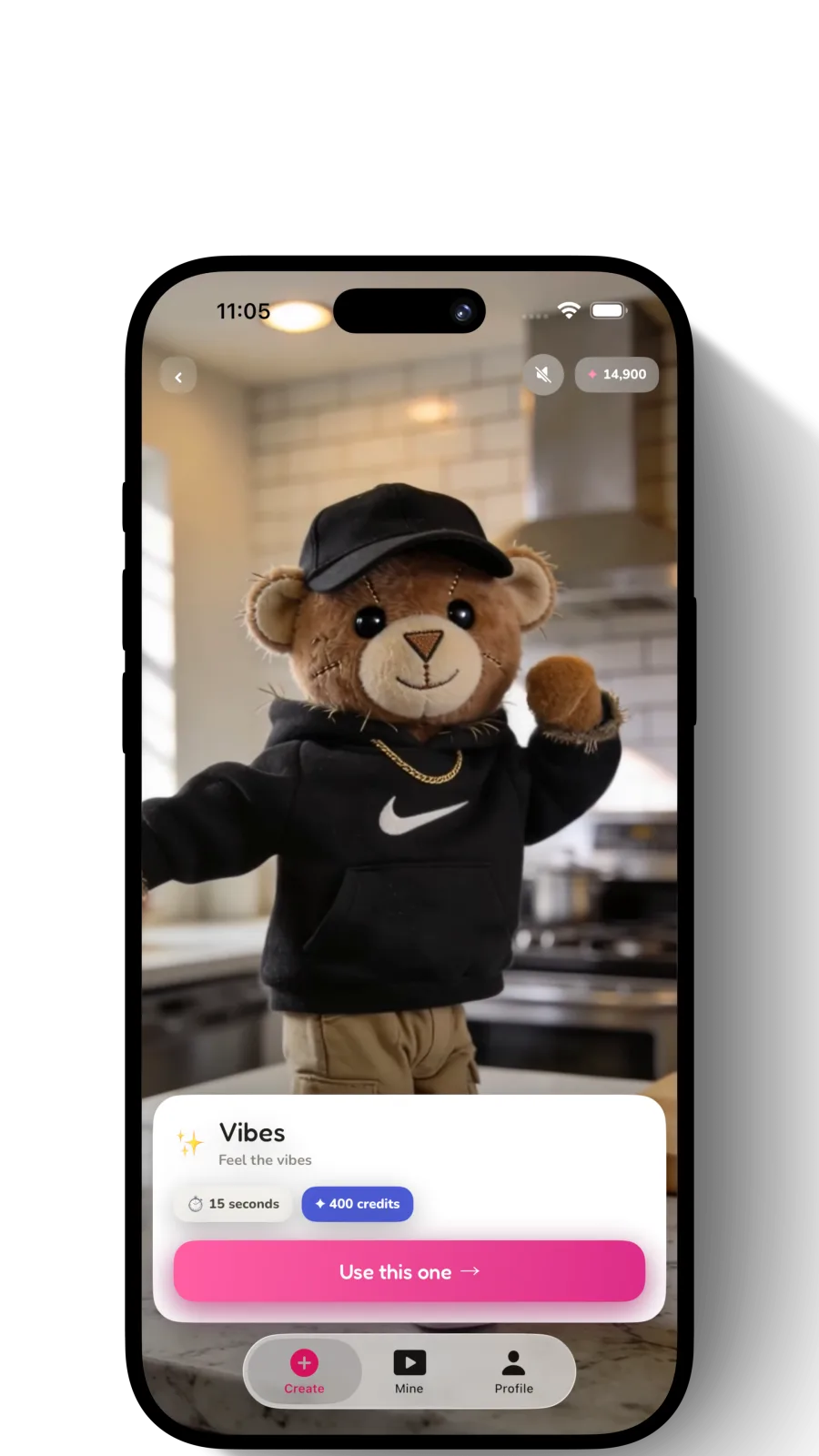
An app that makes toys come to life
To be specific about what that means: PlushMation is an app built for exactly that job — not general video editing, not stop-motion, not a style filter. You photograph the toy you own once, and the app generates a short video of that same toy moving.
It's a narrower tool than a do-everything AI video app, and that's on purpose — the model is designed to move one specific object convincingly. If you're comparing your options, our roundup of toy animation apps breaks down how different tools approach the same problem.
What "make a toy come to life" really means
There are two very different things people mean by this, and only one keeps your toy:
- Bring your real toy to life — PlushMation animates the exact toy in your photo. Same face, same colors, same worn-in personality. This is what you want for a keepsake, a gift, or "look what my toy did" content.
- Generate a generic character — style-transfer or "plushify" tools invent a brand-new cartoon from your photo. Fun, but it isn't your toy.
If you want a video of the specific plushie on your shelf, you need a real-toy animator — not a style filter. That single distinction rules out half the apps out there.
Can you make toys move in a photo?
Not quite — and the distinction matters. PlushMation doesn't make a still photo wiggle in place, the way a cinemagraph or "photo animation" effect does. It generates a brand-new short video of your toy performing a full motion, like a dance or a wave, frame by frame.
So the input is a photo, but the output is a real video, with the toy's whole body moving — not a photo that jiggles or gets a subtle parallax effect applied to it. That's what makes the result look like the toy actually got up and did something.
How to make your toys come to life in 3 steps
- Take a photo — full toy in frame, plain background, even lighting. A clean shot gives the AI the most to work with.
- Pick a motion — choose a ready-made dance or describe a custom action in your own words.
- Generate and share — in moments you get a smooth video sized for TikTok, Instagram Reels, and YouTube Shorts.
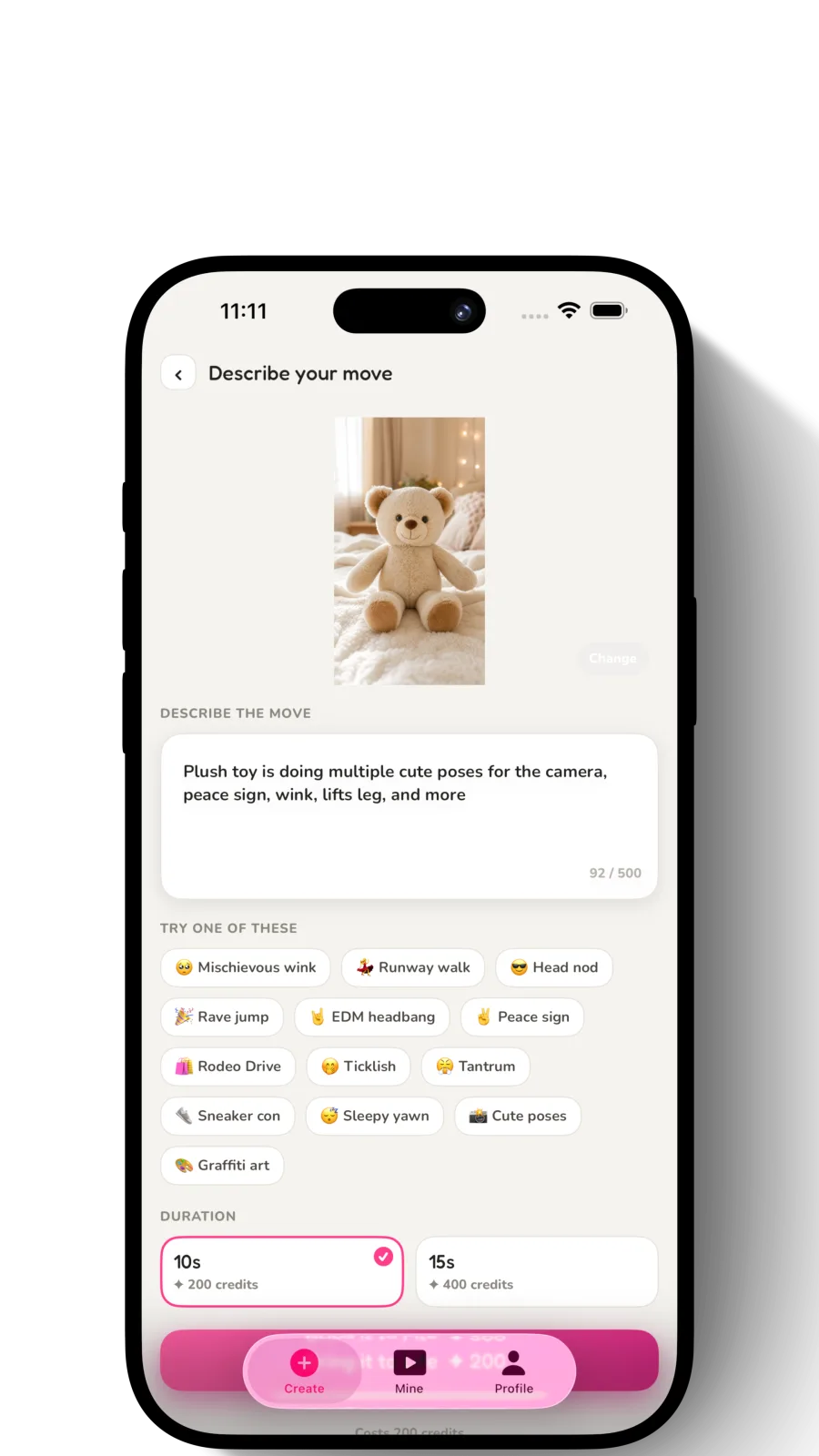
Pick a move, or describe your own
Tap a ready-made dance, or type the motion in plain words: "does a shy wave," "struts like a model." The app animates your toy doing exactly that.
How to bring your toys to life
There's no account to set up and no editing timeline to learn. Download the app, snap one photo, pick or describe a motion, and generate. Welcome credits are included, so you can bring your first toy to life free before paying anything.
What toys can you bring to life?
PlushMation works with virtually any soft toy or collectible figure:
Toys that animate beautifully
- Squishmallows
- Jellycat
- Labubu
- Fugglers
- Crybaby
- Build-A-Bear
- Sonny Angel
- Smiski
- Pokemon plush
- Disney plush
- Beanie Boos
- Skullpanda
- Any stuffed animal
Which toys work best
Most soft toys and small figures work well, but a few things affect the result. Plush toys with clear features — a face, arms, a recognizable shape — tend to animate more convincingly than toys that are mostly texture, like a plain round pillow. Bigger, simpler shapes, like a Squishmallow or a stuffed bear, also tend to look cleaner in motion than toys with lots of tiny loose parts.
For the cleanest result, shoot in even, diffuse lighting rather than a single bright light source — it avoids harsh glare or reflections — and keep the whole toy in frame against a plain background.
If you're deciding between toy types or apps, our roundup of the best apps to animate plush toys in 2026 compares results across different toy categories.
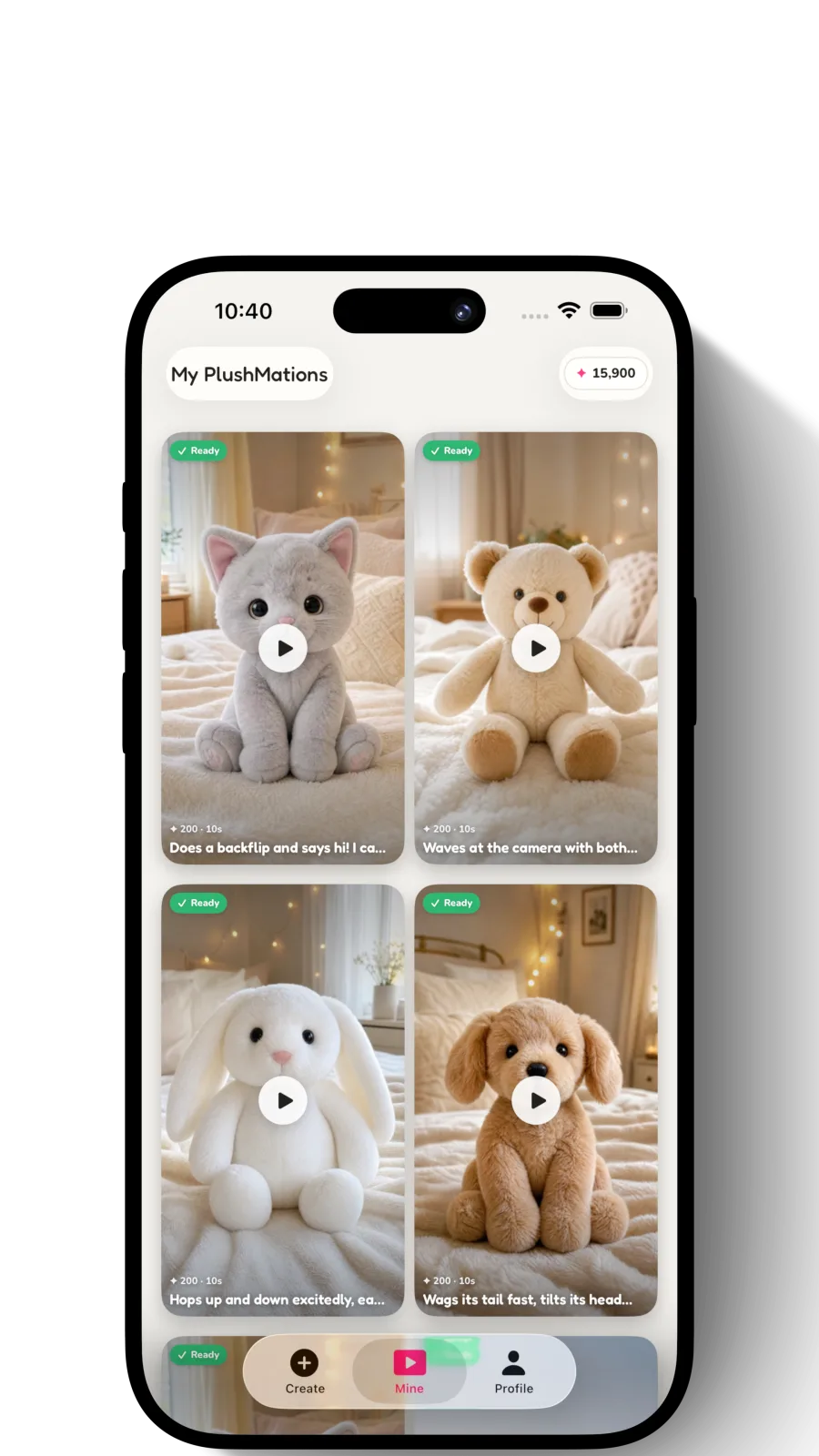
Why people choose PlushMation
- Your toy, in motion — not a look-alike. The character on screen is the one you own.
- No skills required — there's no timeline or editing app to learn. Photo in, video out.
- Made for sharing — every clip exports ready for short-form video.
- Free to start — welcome credits included, with one-time credit packs instead of a subscription.
Ready to see your toy move?
The fastest way to get it is to try it. Start with the step-by-step guide to animating your toy, or jump straight to a brand walkthrough for Labubu or Squishmallows.
